Teams & members
Invite teammates, manage roles, and switch between the teams you belong to.
A team owns a timeline. Everything in CoNote — notes, integrations, billing — belongs to a team, and you can belong to more than one (handy for agencies working across clients).
Inviting people
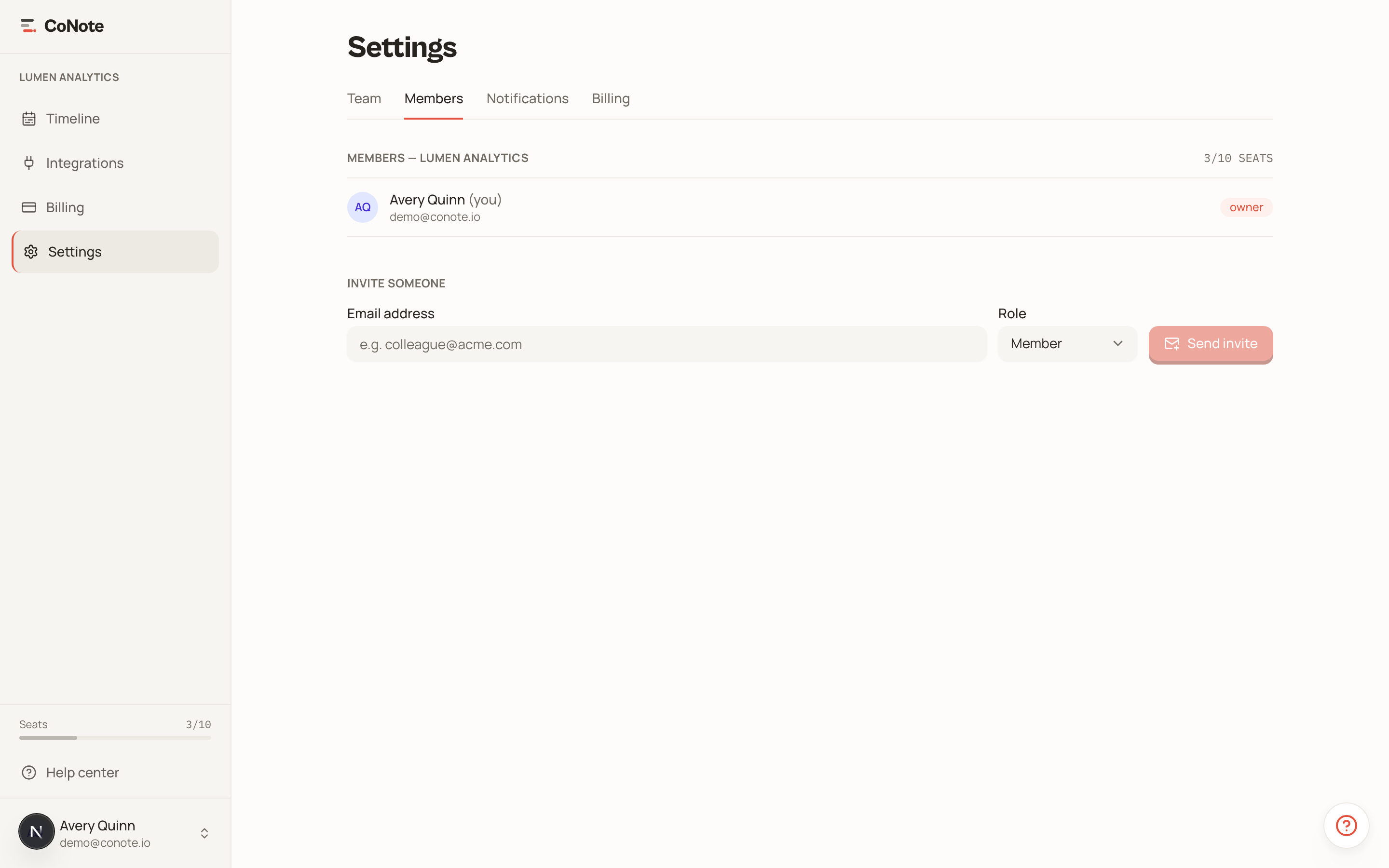
From Settings → Members, invite teammates by email. They get a link to join your team and start reading and logging notes. Each member counts as one seat — see plans and seats.
Roles
- Owner — full control, including billing and deleting the team.
- Admin — manage members and integrations.
- Member — read the timeline and log notes.
Managing a member
Owners and admins get a ⋯ menu on each member row in Settings → Members with these actions:
- Change role — switch someone between member and admin.
- Transfer ownership — hand the owner role to another member (owner only). The previous owner becomes an admin. A team always has exactly one owner.
- Block / Unblock — a blocked member instantly loses access to the team but keeps their record, history, and notification settings, so you can restore them later. Blocked members do not use a seat.
- Remove from team — delete the membership. Their logged notes stay on the timeline, and you can re-invite them anytime.
The owner row is protected: the owner cannot be blocked, removed, or demoted without first transferring ownership. You cannot run these actions on yourself.
Use Block when someone leaves temporarily or you want to revoke access without losing their place on the team. Use Remove when they are gone for good.
Switching teams
If you belong to several teams, use the team switcher at the top of the sidebar to move between them. Each team has its own separate timeline — data is never shared across teams.
Agencies often keep one team per client. Switching teams swaps the entire logbook, so each client's history stays cleanly separated.