Contentful integration
Record entry publishes from your Contentful content model as Content notes, so a change to your content lines up with a shift in your numbers.
This integration logs entry publishes (an entry is a single piece of content in Contentful) from your Contentful space as Content notes, so when a metric moves, the content that went live that day is on the timeline beside it.
What lands on your timeline
A note when an entry is published, with its content type.
How it works
Contentful sends each entry publish to CoNote automatically over a private link CoNote gives you. You also include a private key that only you and CoNote share, so Contentful can prove the message is real, and only genuine events are logged.
Setting it up
Add the integration
In Integrations, choose Contentful. Copy the private link (the webhook URL) and the private key (the secret) shown after you connect.
Add the webhook in Contentful
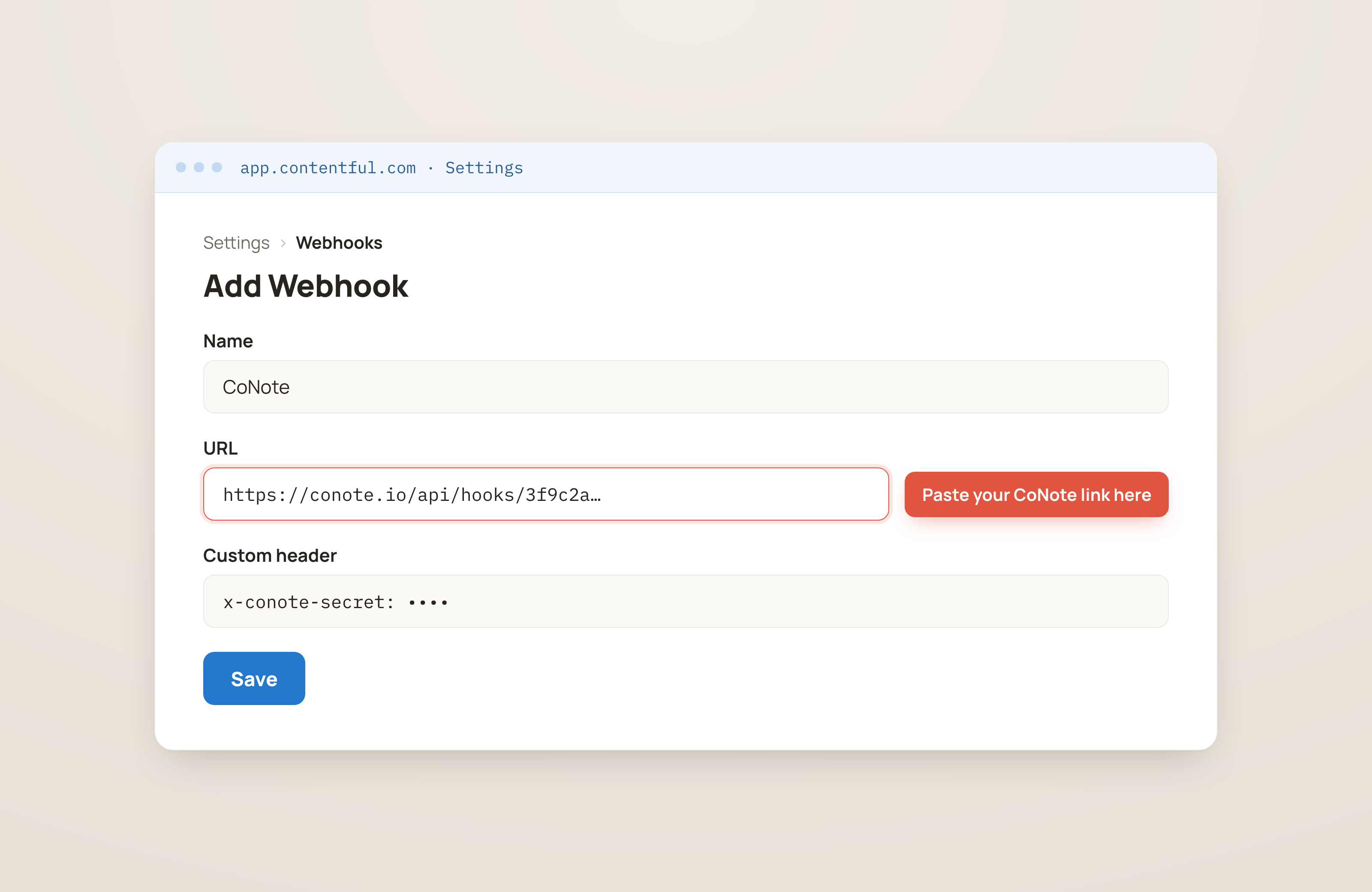
In Contentful, go to Settings → Webhooks → Add Webhook (the Webhooks section, where tools send updates from). Set the URL to the CoNote link, add a custom header
x-conote-secret, an extra field on the message that proves it's from you, with the private key (or append?secret=…to the URL instead), and trigger on Entry → Publish.Save
Save the webhook. Entry publishes appear on the timeline within seconds.