Account settings
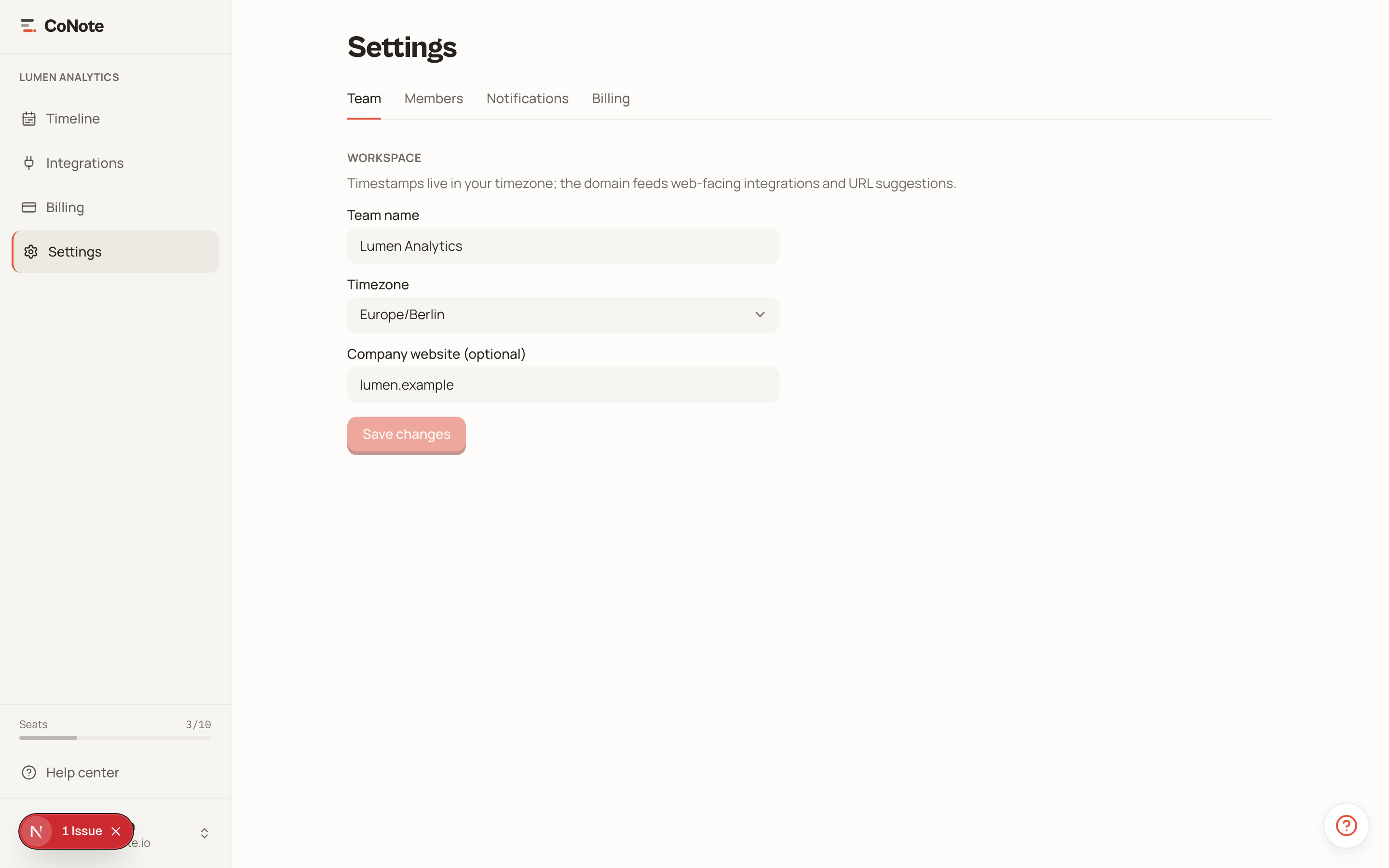
Manage your profile, change your password, and delete your account.
Your account settings cover the things that are personal to you, separate from your team.
Profile
Update your name and see the email address tied to your account. Your name is what teammates see next to notes you log by hand.
Password
Change your password from the account page. The strength meter shows in real time whether your new password meets the requirements before you can save.
Deleting your account
You can delete your account from settings. Deletion requires explicit confirmation and is irreversible — there is no soft-delete or recovery.
If you're the owner of a team, deleting the account removes the team and everything in it — all notes and integrations. Make sure that's what you intend.