Site Watch integration
Detect when a page's code or content changes and record it as a Deployment or Content note, with no access to your servers needed.
Site Watch notices when a web page actually changes, its code or its content, and records it, even when the change came from a system that can't report to CoNote itself (a CMS, an agency, a no-code tool).
What lands on your timeline
- Deployment notes when a page ships new code, detected from a change in its set of loaded assets (the scripts and styles the page loads).
- Content notes when the visible content changes (title, meta description, headline, or body text), with a before-and-after so you can see exactly what moved.
How it works
CoNote checks each page on a schedule (once an hour, with no browser and no access to your servers) and compares it to the last version. To keep noise out, a change must survive two consecutive checks before it's logged, and a page that flips back to a recent state is ignored. You can watch up to 5 URLs, with no access keys to set up.
Setting it up
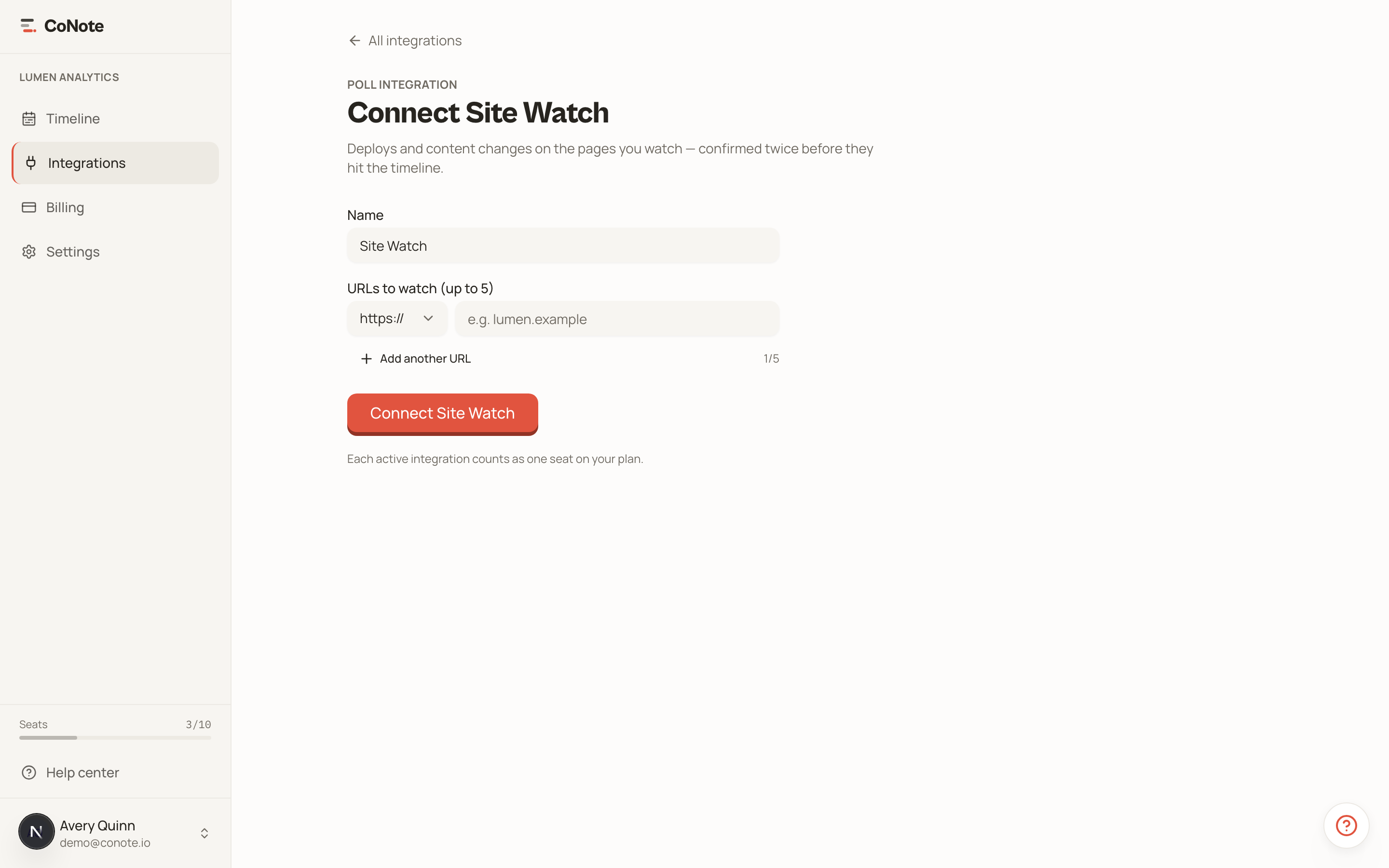
Add the integration
In Integrations, choose Site Watch.
Add the pages to watch
Enter the URLs: a landing page, your pricing page, a key blog post. CoNote starts tracking them on the next hourly check.
Site Watch is the safety net for changes nothing else reports. If your marketing team edits a landing page in a CMS, you'll still see it on the timeline.