Webflow integration
Record Webflow site publishes, page changes, and CMS item updates as Content notes, so a traffic shift lines up with what you changed.
This integration logs changes you make in Webflow as Content notes, so when your traffic moves, the change from that day is right there on the timeline.
What you can track
You choose which events to send. Each becomes a note:
- Site publish: "Webflow site published: yourdomain.com"
- Page created / metadata updated / deleted: "Webflow page updated: Pricing"
- Collection item created / changed / deleted: "Webflow CMS item changed: Summer post"
Enable any combination: just the site publish, or pages and CMS changes too.
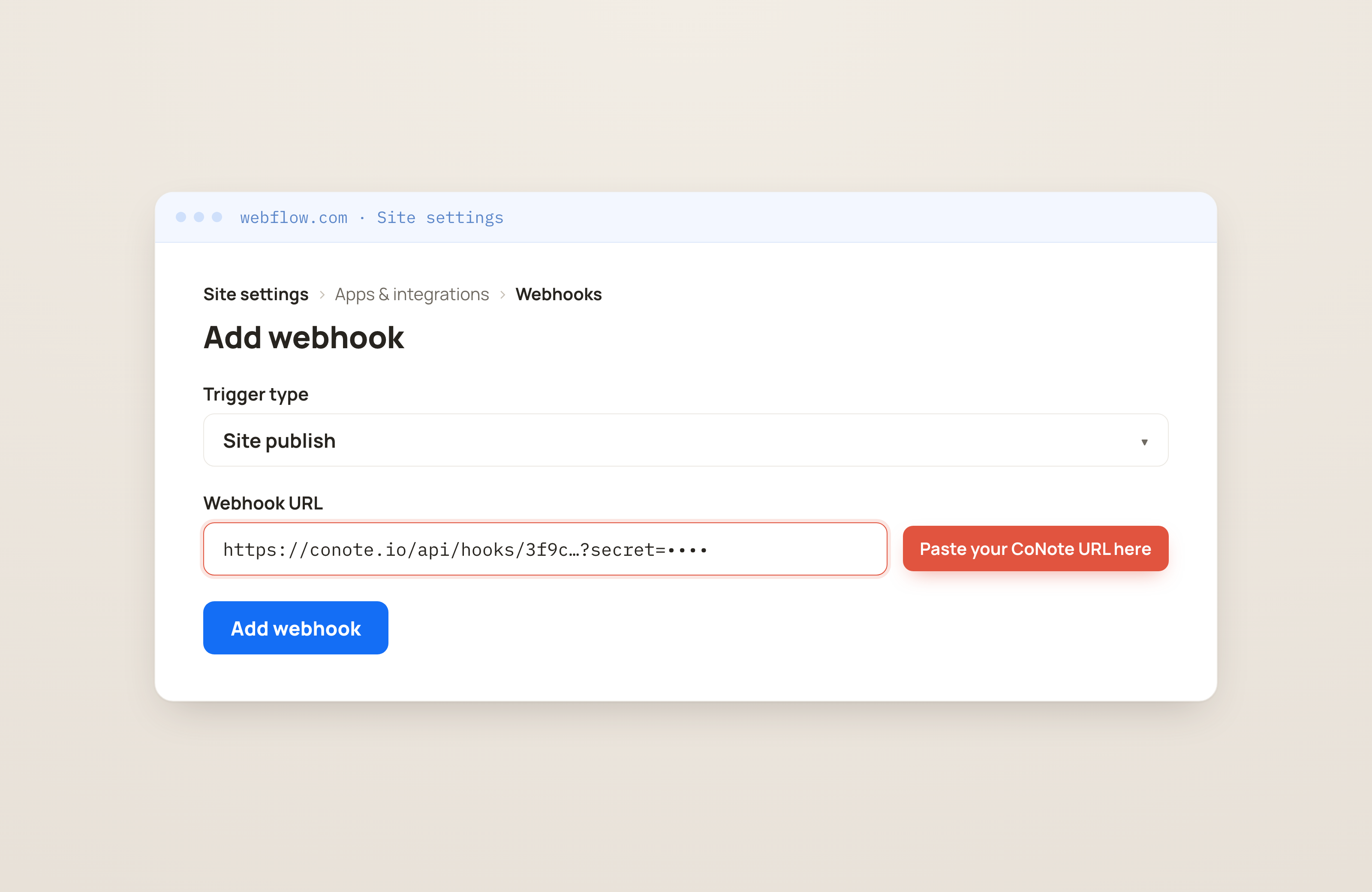
Webflow allows one trigger per webhook (a webhook is the private link CoNote gives you, so Webflow can send each change automatically). To track more than one event, add a separate webhook for each, all pointing at the same CoNote URL. It's a few clicks, done once.
How it works
Webflow sends each change to CoNote automatically through that private link whenever one of the events you enabled fires. Webflow can't add a private key to the message, so CoNote verifies a secret you paste onto the end of the URL instead.
Setting it up
Add the integration
In Integrations → Browse, choose Webflow. Copy the webhook URL and the secret shown after you connect.
Add a webhook for each event
In Webflow, go to Site settings → Apps & integrations → Webhooks → Add webhook. Set the URL to the CoNote URL with
?secret=<secret>appended, pick a Trigger type (e.g. Site publish), and save. Repeat Add webhook for any other events you want (page changes, CMS items) using the same URL.Watch the first change land
Publish your site or edit a page, and the note appears on the timeline within seconds.
High-volume streams like form submissions and individual e-commerce orders aren't logged on purpose. CoNote is a record of what changed, not an event firehose, so the timeline stays signal-only.