Sentry integration
Record new issues and triggered alerts from Sentry as Incident notes, so an error spike lines up with the deploy that caused it.
Errors spike right after a deploy more often than anyone admits. This integration puts Sentry's new issues and triggered alerts on your timeline as Incident notes, right next to the release from the same hour.
What lands on your timeline
- A new issue the first time an error appears.
- A triggered alert when one of your Sentry alert rules fires.
How it works
CoNote gives you a private link, so Sentry sends each of these events automatically. Each request is verified with your integration's Client Secret, a private key only you and CoNote share, so Sentry can prove the message is real, and only genuine Sentry events are logged.
Setting it up
Add the integration
In Integrations, choose Sentry. Copy the link shown after you connect.
Create an internal integration in Sentry
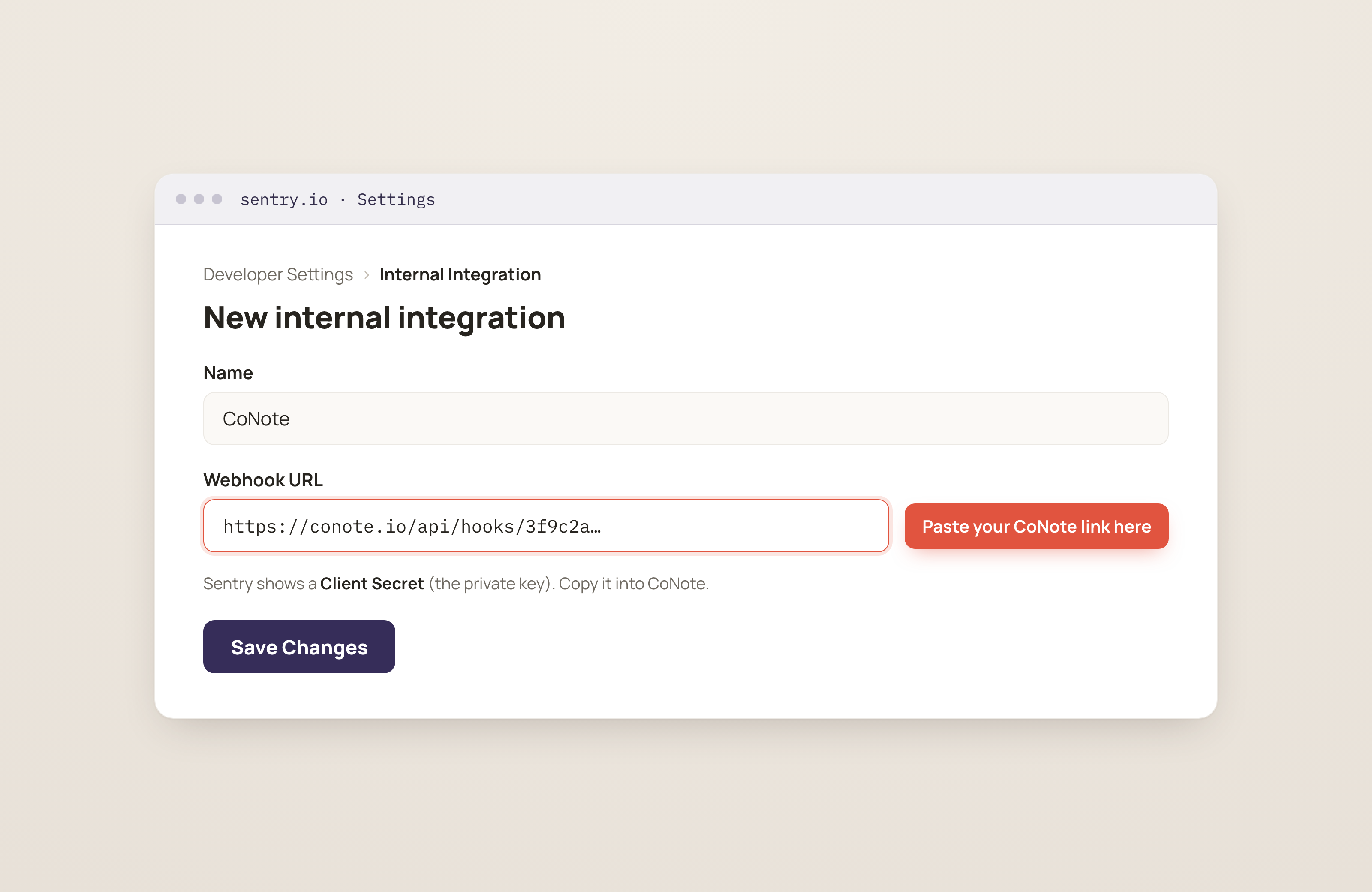
In Sentry, go to Settings → Developer Settings → Internal Integration. Set the Webhook URL (a place for Sentry to send updates) to the CoNote link and enable the Issue and Alert updates.
Paste the client secret
Copy the integration's Client Secret (the private key) into this integration's settings in CoNote.